PRINTING / 11 SEC
01
Print the artwork.
Your design starts on film. This clip shows the printer producing the transfer artwork.
APPAREL & WORKWEAR PRINTING
From a clean chest logo to a bold back print. Put your artwork on the gear your crew wears.
FROM TRANSFER TO WORKWEAR
DTF means direct to film. Your design is printed onto a transfer film, then applied to the garment using heat and pressure. Here’s a look at the printing, placement and finished detail.
Your design starts on film. This clip shows the printer producing the transfer artwork.
Placement is checked before the transfer is applied with heat and pressure. The clip shows the alignment detail.
A close-up of the applied artwork on a polyester polo, with the print and fabric texture in view.
SMALL DETAIL. BIG PRESENCE.
A chest logo introduces your brand. A back print gives it more room. Explore the examples, then choose from the print locations available on your product.
A clear introduction.
Chest branding keeps your business visible when you’re face to face.
These are placement examples. Available positions and suitable print areas vary by garment. Final placement is confirmed through artwork approval.
Find your gearRetouched product presentation. Hat branding and building-site setting digitally edited.
YOUR NEXT STEPS
You don’t need to have everything worked out. Start with your gear and artwork; we’ll help with the details that need a closer look.
Pick your garment, colour, sizes and quantities. Print locations depend on the product.
Upload your artwork and preview the placement, or choose to supply your artwork later.
Order fully priced selections online, or request a quote. Final artwork approval is required before production.
Production proceeds once payment, stock availability and final artwork approval are confirmed.
LET’S GET IT PRINT READY
Send the clearest artwork you have. If you’re unsure about quality, colours or placement, ask before ordering. We can discuss vector or redraw assistance if needed.
Get help with your artworkFor your preview: PNG, JPG or SVG up to 10 MB. You can also supply an optional AI, EPS, PDF or SVG production original up to 100 MB. A transparent PNG helps avoid a white box in the preview.
Yes. Choose Supply Artwork Later while customising, then upload from your order page after payment. Production waits for payment, stock availability and final artwork approval.
The preview communicates your design and preferred placement. Screen colours and on-screen sizing are a guide. Specific colour, size or placement requirements should be discussed before ordering, with final artwork approval before production.
Include the details in your quote request. Availability and suitability need to be confirmed before the job proceeds.
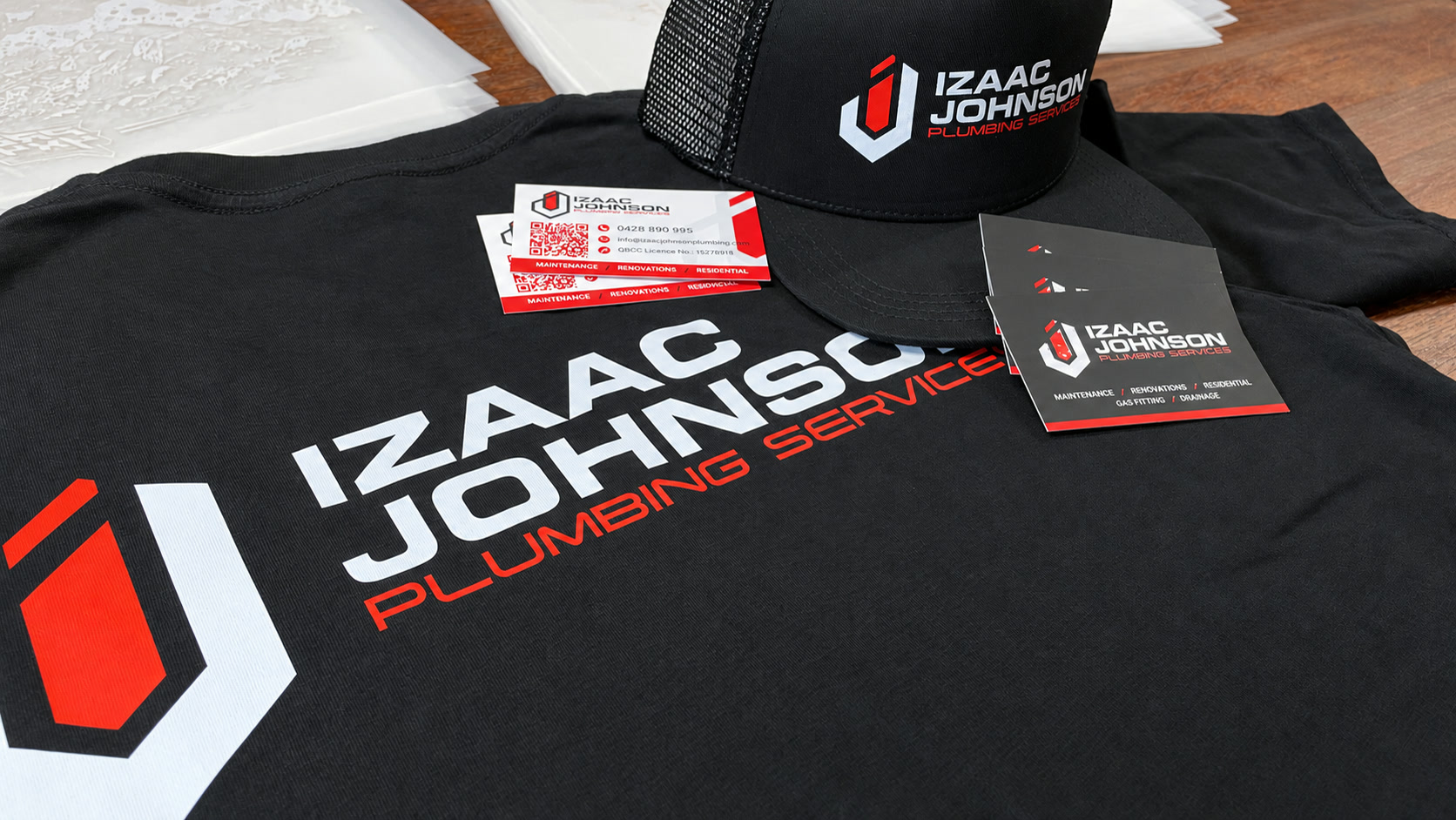
FIT OUT YOUR CREW
Choose your gear and make it yours. For something outside the available options, start with a quote.